Ask for a draft — AI writes it, you make it yours
When a guide should exist but you don't feel like writing it — start from an AI draft, then make it yours.
Step 1
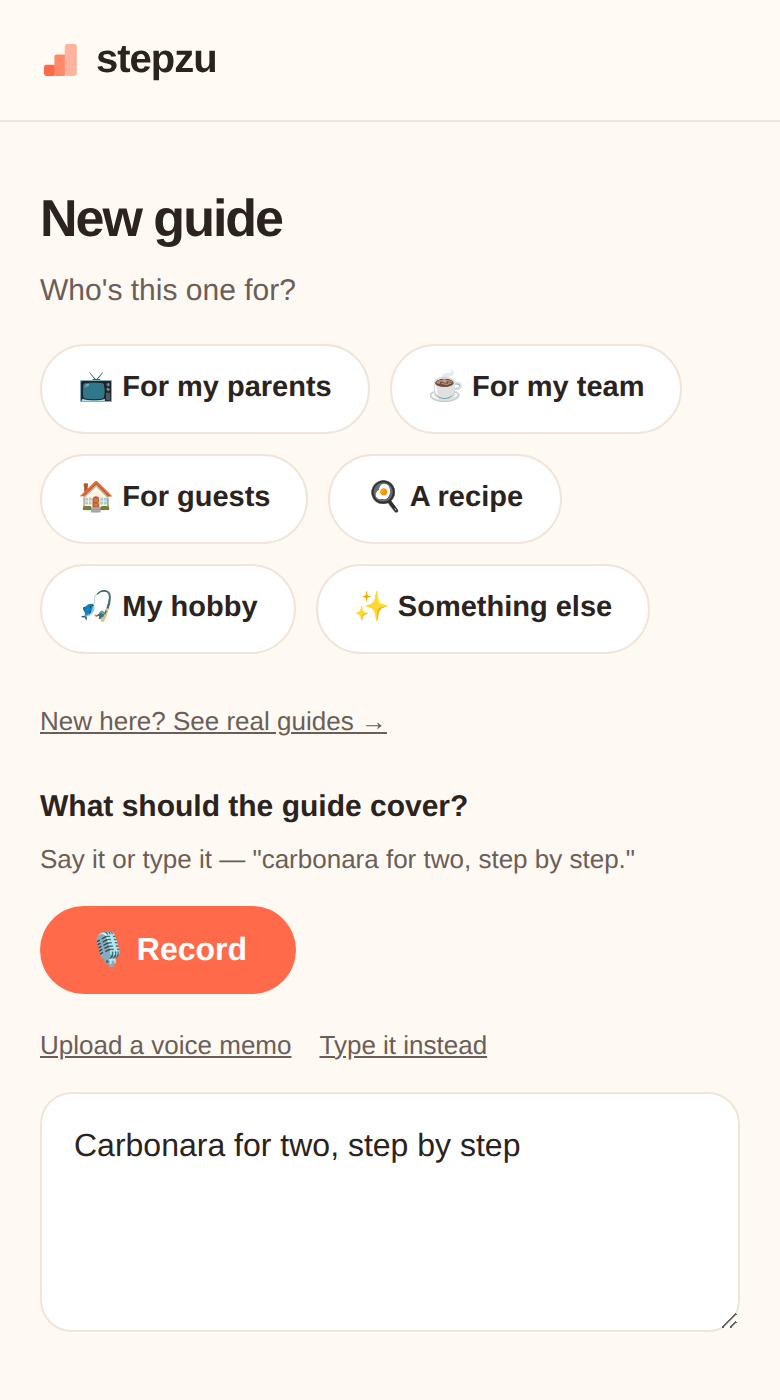 Pick "Ask for a draft"
In New guide, under Create with AI, tap Ask for a draft, then type what you want. The more you spell out, the better the draft — who it's for, how many steps, amounts, temperatures: "carbonara for two — 8 steps, with quantities and pan timing." AI guides use a spark (3 free a month); writing it yourself is unlimited.
Pick "Ask for a draft"
In New guide, under Create with AI, tap Ask for a draft, then type what you want. The more you spell out, the better the draft — who it's for, how many steps, amounts, temperatures: "carbonara for two — 8 steps, with quantities and pan timing." AI guides use a spark (3 free a month); writing it yourself is unlimited.
Pick "Ask for a draft"
In New guide, under Create with AI, tap Ask for a draft, then type what you want. The more you spell out, the better the draft — who it's for, how many steps, amounts, temperatures: "carbonara for two — 8 steps, with quantities and pan timing." AI guides use a spark (3 free a month); writing it yourself is unlimited.
Step 2
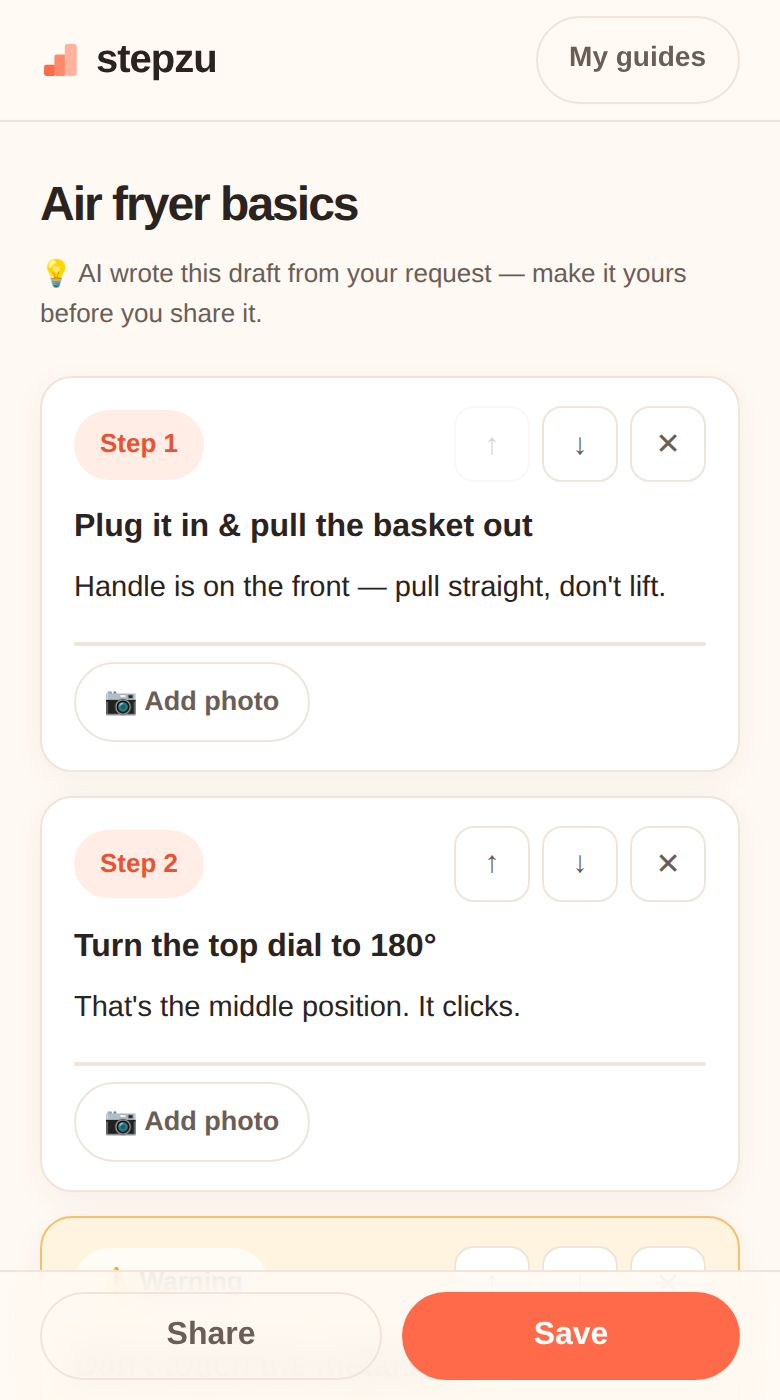 Let AI write the first pass
You get a complete draft — steps, warnings, the lot — written from general knowledge.
Let AI write the first pass
You get a complete draft — steps, warnings, the lot — written from general knowledge.
Let AI write the first pass
You get a complete draft — steps, warnings, the lot — written from general knowledge.
⚠️ WarningIt's a draft, not gospelAI can be confidently wrong. Check amounts, temperatures, and anything involving safety.
Step 3
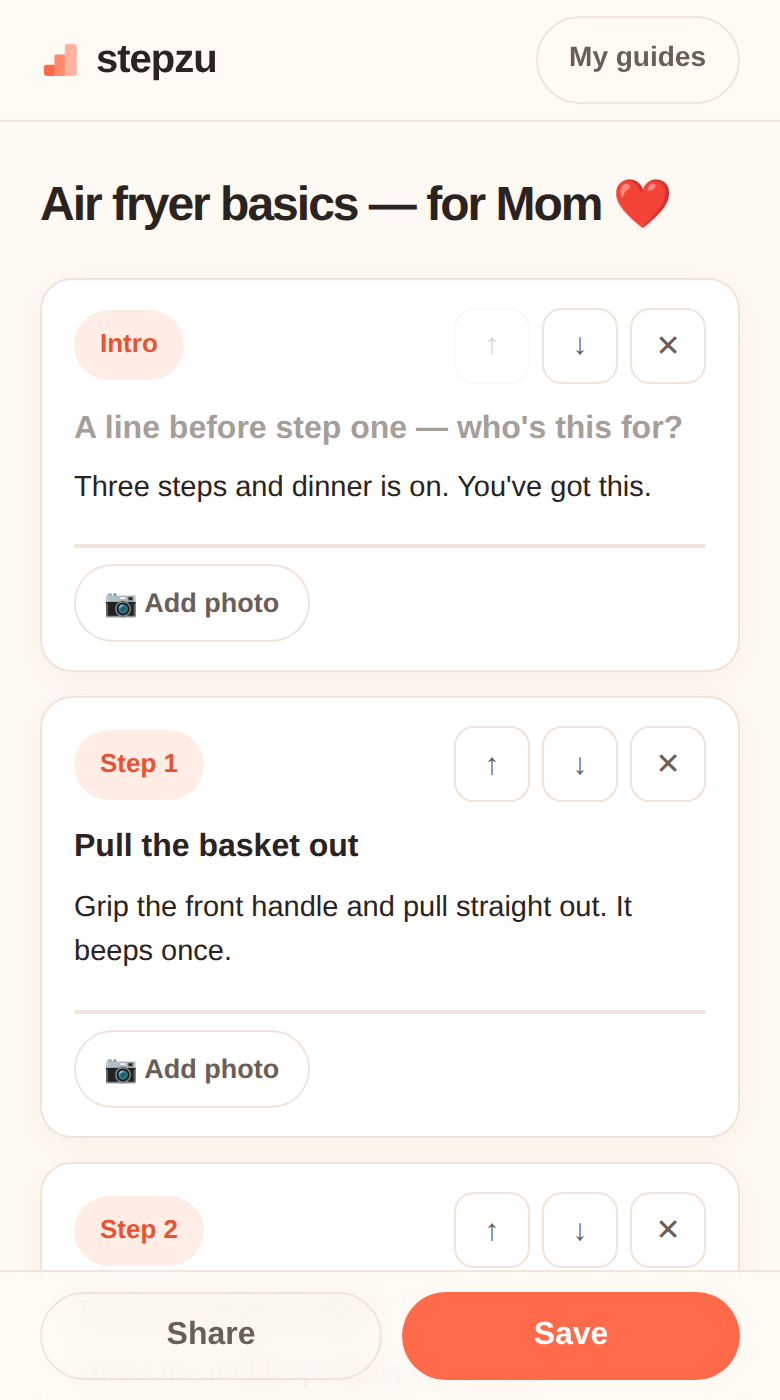 Now make it yours
This is the part that matters: your pan, your shortcut, the way your family actually likes it. Edit until it sounds like you.
Now make it yours
This is the part that matters: your pan, your shortcut, the way your family actually likes it. Edit until it sounds like you.
Now make it yours
This is the part that matters: your pan, your shortcut, the way your family actually likes it. Edit until it sounds like you.
Step 4
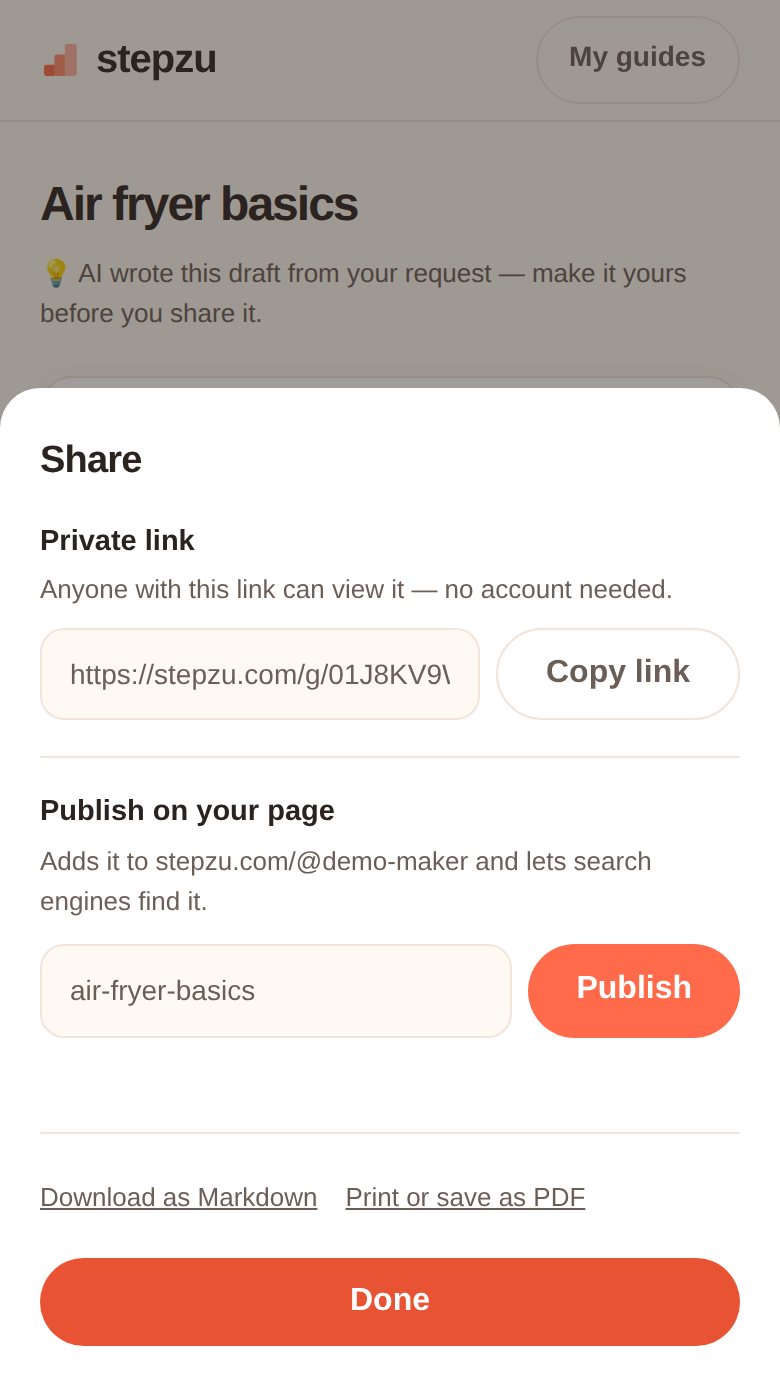 Share it
A private link for one person — or publish it on your page for everyone.
Share it
A private link for one person — or publish it on your page for everyone.
Share it
A private link for one person — or publish it on your page for everyone.
Put what you know, your stories, or your favorite things into cards. Share them with a link anyone can open, no account needed.
Start on Stepzu